
How to set default editor in FileZilla?
You have no idea how to set up the default editor in FileZilla; when you view/edit a page, then simply use this tutorial. You want to set up a default editor for your FileZilla, then follow the below steps.
Step 1)
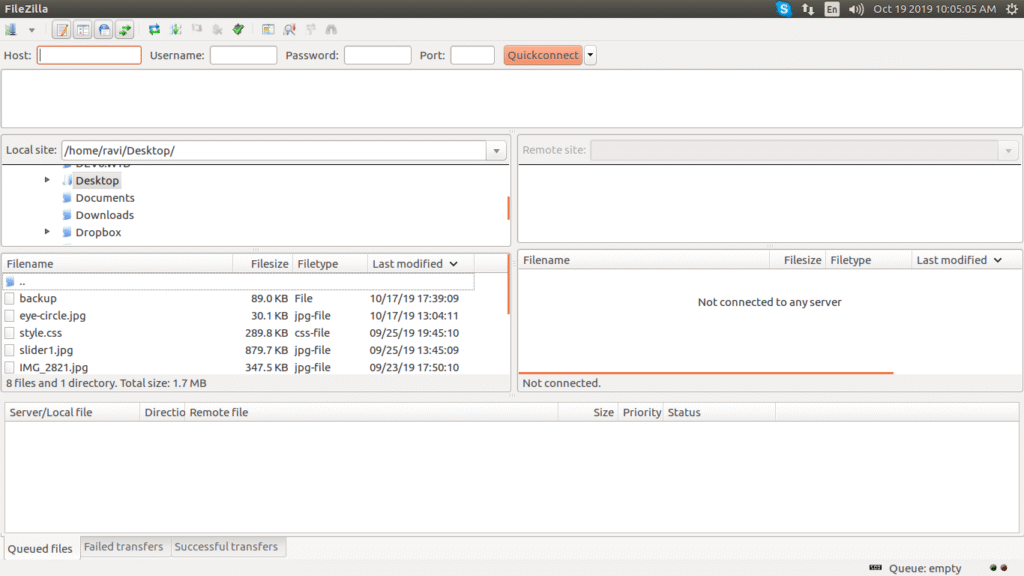
Open FileZilla.
Step 2)
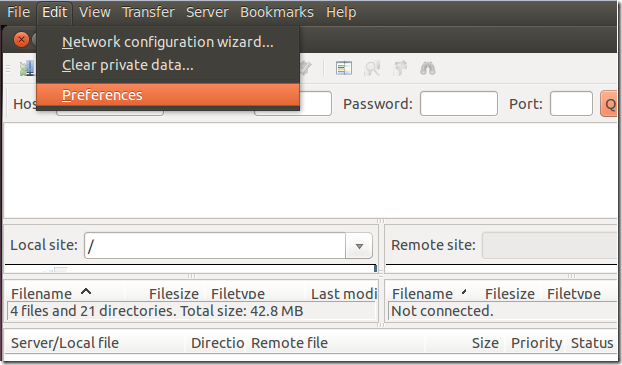
Open the edit menu -> preference from the top left corner.
Step 3)
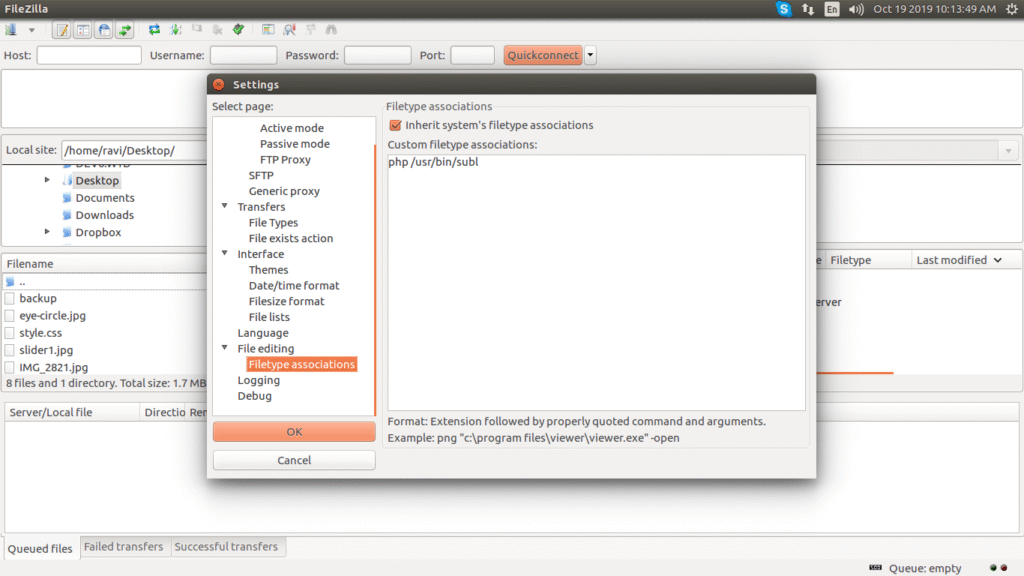
Open the "Filetype associations" and copy and paste the code as below if you use Sublime as the default editor.
"php /usr/bin/subl"
If you use another editor like NetBeans, Dream Viewer, or Notepad++, then you need to find their extension and set it in the "Filetype associations." so your default files will open in that software.
0 Comment